
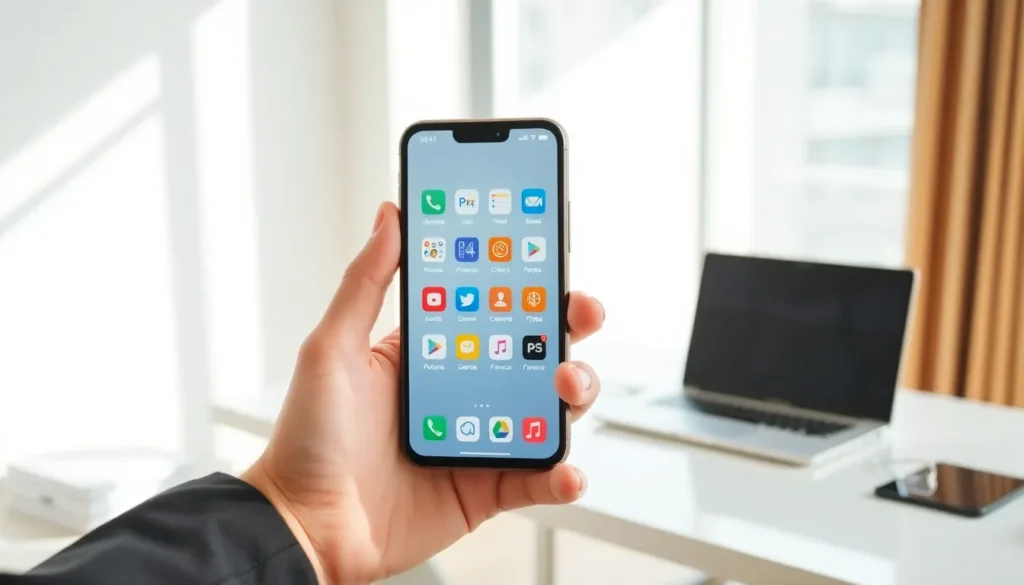

Mobile apps have become essential tools in daily life. From ordering food to managing finances, these applications power countless tasks on smartphones and tablets. But what is a mobile app exactly, and how does it differ from other software?
This guide explains mobile apps in simple terms. Readers will learn the basic concepts, explore different app types, and discover how these programs work behind the scenes. Whether someone is curious about app development or just wants to understand their phone better, this article covers the fundamentals.
Table of Contents
ToggleKey Takeaways
- A mobile app is a software program designed to run on smartphones and tablets, optimized for touchscreens and mobile operating systems like iOS and Android.
- Mobile apps come in three types: native apps (best performance), web apps (browser-based), and hybrid apps (cross-platform development).
- Most mobile apps connect to remote servers using a client-server model to process data and deliver real-time content.
- Mobile apps offer key advantages over websites, including faster loading, offline capability, device integration, and personalized user experiences.
- Common mobile app categories include communication, entertainment, productivity, health and fitness, and shopping and banking.
- Businesses invest in mobile apps to build brand loyalty, improve customer engagement, and increase sales through convenient, always-available services.
Definition and Basic Concepts
A mobile app is a software program designed to run on mobile devices like smartphones and tablets. The term “app” is short for “application.” Mobile apps perform specific tasks, from playing games to tracking fitness goals.
Mobile apps differ from desktop software in several ways. They’re built for touchscreens rather than mouse and keyboard input. They also use mobile operating systems like iOS (Apple) or Android (Google). These apps take advantage of device features such as cameras, GPS, and push notifications.
The mobile app market has grown rapidly since Apple launched its App Store in 2008. Today, millions of apps exist across platforms. Users download mobile apps from official stores like Google Play and the Apple App Store. Some businesses also distribute apps through enterprise channels.
Key characteristics of mobile apps include:
- Compact size: Mobile apps use less storage than desktop programs
- Touch optimization: Interfaces work with finger taps and swipes
- Device integration: Apps can access phone cameras, microphones, and sensors
- Offline capability: Many mobile apps work without internet connections
Understanding what a mobile app is helps users make informed choices about downloads and privacy.
Types of Mobile Apps
Mobile apps fall into three main categories based on how developers build them. Each type has distinct advantages and limitations.
Native Apps
Native apps are built specifically for one operating system. Developers create iOS apps using Swift or Objective-C. Android apps use Java or Kotlin. These mobile apps offer the best performance because they communicate directly with the device’s hardware.
Native apps access all device features without restrictions. They run faster and feel smoother than other app types. Popular native apps include Instagram, Spotify, and Pokemon Go. The downside? Developers must build separate versions for each platform, which increases costs.
Web Apps
Web apps run inside mobile browsers like Chrome or Safari. They’re essentially websites that look and feel like mobile apps. Developers build web apps using standard web technologies: HTML, CSS, and JavaScript.
Web apps don’t require downloads from app stores. Users simply visit a URL. Updates happen instantly on the server side. But, web apps can’t access all device features. They depend on internet connectivity and may feel slower than native options. Examples include Google Docs and Twitter’s mobile website.
Hybrid Apps
Hybrid apps combine elements of native and web apps. Developers write one codebase that works across multiple platforms. Frameworks like React Native and Flutter make this approach popular.
A hybrid mobile app runs inside a native container. This container lets the app access device features while using web technologies for the interface. Companies choose hybrid development to save time and money. The trade-off involves slightly lower performance compared to fully native apps. Uber and Airbnb have used hybrid approaches for their mobile apps.
How Mobile Apps Work
Mobile apps follow a specific process from launch to execution. Understanding this process reveals why some apps perform better than others.
When a user taps a mobile app icon, the operating system loads the app into memory. The app’s code tells the processor what to display and how to respond to input. Native apps communicate with the OS through APIs (Application Programming Interfaces). These APIs provide standard methods for common tasks.
Most mobile apps connect to remote servers. When someone checks social media, the app sends requests to company servers. Those servers process the requests and return data. The mobile app then displays this information on screen. This client-server model powers apps like Facebook, Netflix, and Gmail.
Data storage varies by mobile app design. Some apps store information locally on the device. Others keep data in the cloud. Many use a combination. Banking apps, for example, store some data locally for quick access but verify transactions through secure servers.
Mobile apps also use background processes. These allow apps to send notifications, update content, and track location even when not actively open. Operating systems limit background activity to preserve battery life.
The mobile app lifecycle includes several states: active, inactive, background, and suspended. Good developers optimize their apps for each state. This optimization determines how quickly a mobile app launches and how much battery it consumes.
Common Uses and Benefits
Mobile apps serve nearly every industry and interest. Their convenience has transformed how people work, shop, and communicate.
Communication: Messaging apps like WhatsApp and Messenger connect billions of users. Video calling apps enable face-to-face conversations across continents. These mobile apps have replaced traditional phone calls for many people.
Entertainment: Streaming apps deliver music, movies, and podcasts on demand. Gaming apps generate more revenue than console and PC games combined. Mobile apps have made entertainment portable and personalized.
Productivity: Note-taking apps, calendars, and task managers help people stay organized. Mobile apps let professionals work from anywhere. Documents sync across devices through cloud services.
Health and Fitness: Workout apps guide exercise routines. Nutrition apps track calories and macros. Medical apps even monitor chronic conditions and remind users to take medications.
Shopping and Banking: E-commerce apps process billions in transactions yearly. Banking apps let customers check balances, transfer funds, and deposit checks from their phones.
The benefits of mobile apps extend beyond convenience:
- Speed: Mobile apps load faster than websites
- Personalization: Apps remember preferences and customize experiences
- Accessibility: People access services anytime, anywhere
- Engagement: Push notifications keep users connected
Businesses invest in mobile apps because they improve customer relationships. A well-designed mobile app builds brand loyalty and increases sales.


